





Growing a business often creates more admin before it creates more efficiency.
More customers mean more enquiries, approvals, invoices, reports, follow-ups and information moving between systems. When those processes stay manual, employees can quickly spend more time managing work than doing the work that actually creates value.
Business Process Automation helps solve that problem by using technology to handle repetitive, predictable steps more consistently. Done properly, it can improve productivity, reduce mistakes and help a business grow without adding unnecessary operational complexity.
What Is Business Process Automation?
Business Process Automation, or BPA, is the use of technology to automate repeatable tasks and workflows that would otherwise require manual work.
It can be something simple, such as automatically sending a confirmation after a website enquiry, or something more complex involving several systems.
For example, a new customer enquiry might trigger a workflow that:
captures the contact information, creates a CRM record, assigns the lead to the right employee, sends an acknowledgement and schedules a follow-up.
The salesperson still speaks to the prospect and manages the relationship. Automation simply handles the predictable steps surrounding that work.
That distinction matters.
Good automation is not about removing people from the business. It is about removing repetitive tasks that do not need human judgement.
If you want to understand the structure behind these processes, our guide to workflow and workflow automation explains how triggers, actions and connected systems work together.
Business Process Automation can also include technologies such as APIs, AI tools and robotic process automation in business. The right technology depends on the process being automated rather than on which platform is currently popular.
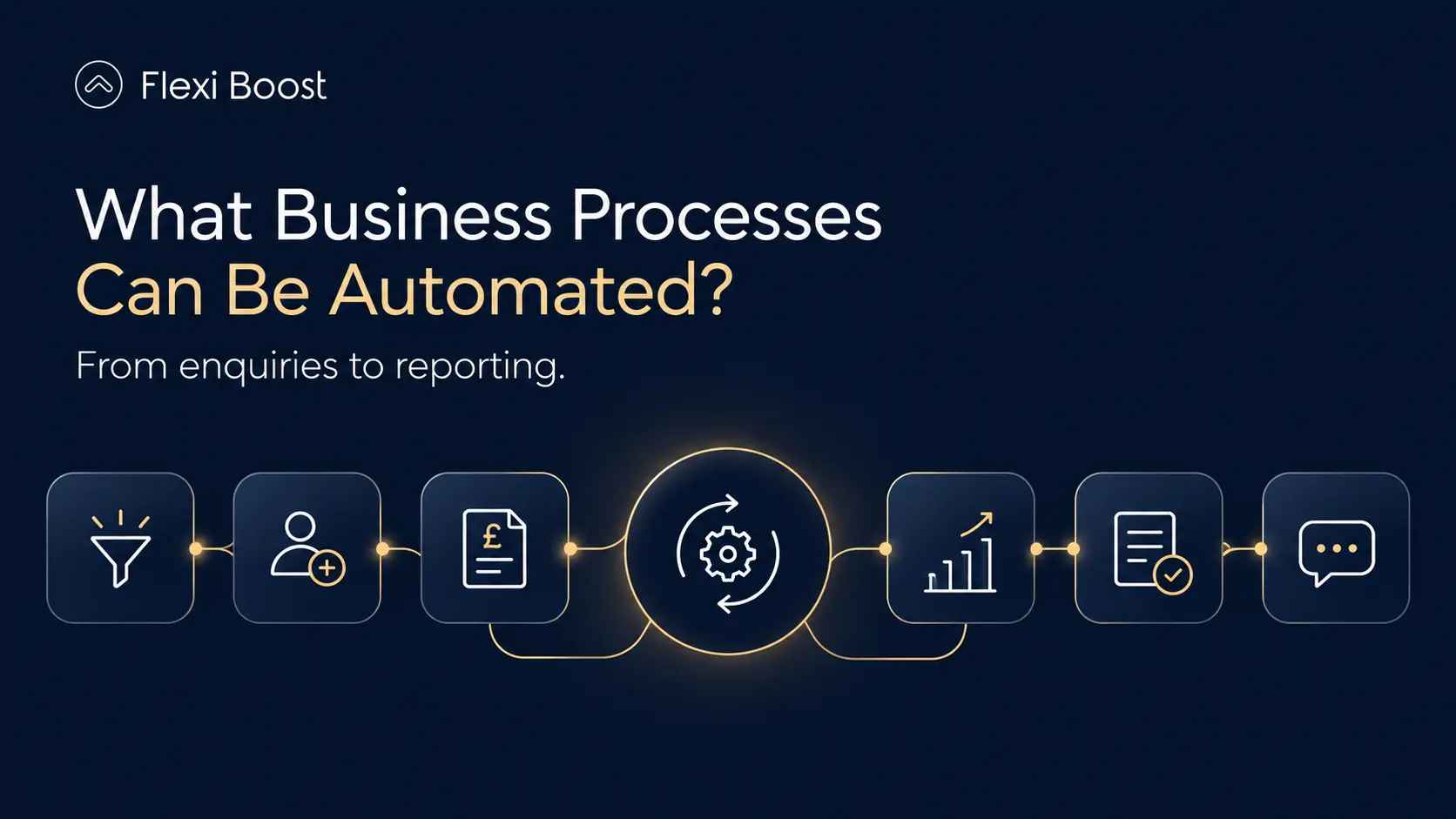
What Business Processes Can Be Automated?
Not every process should be automated.
The strongest candidates are usually repetitive, rules-based activities that happen frequently and follow a predictable pattern.
For an Irish SME, that might include customer enquiries, sales administration, finance, onboarding or internal reporting.
Lead Management
A website enquiry can automatically create a CRM record, notify the sales team and schedule a follow-up.
This reduces the time between someone contacting the business and the team taking action.
Customer Onboarding
Once a customer accepts a proposal, automation can create project folders, generate internal tasks, notify relevant employees and send onboarding information.
Instead of relying on someone to remember every step, the process follows the same structure each time.
Finance and Invoicing
Businesses can automate invoice creation, payment reminders, approval requests and financial data transfers between different platforms.
Human review can still remain in place where financial decisions require it.
Reporting
Rather than manually copying figures into spreadsheets every week, data can be collected automatically and used to update dashboards or reports.
This makes reporting faster and reduces repetitive data entry.
Internal Approvals
Leave requests, purchase approvals, expenses and document reviews can move automatically to the appropriate person and continue once a decision has been made.
Customer Communication
Appointment reminders, order updates, confirmations and routine follow-ups can all be automated while allowing employees to focus on conversations that require genuine personal attention.
The more systems involved in these processes, the more important integration becomes. Proper business system integrations allow information to move between platforms without employees repeatedly copying it manually.
Top 10 Benefits of Business Process Automation
The real value of automation is not that a workflow runs automatically.
The value comes from what that automation changes inside the business.

1. Less Time Spent on Repetitive Work
One of the most immediate benefits of Business Process Automation is the reduction of repetitive administration.
Employees often spend valuable time updating records, creating reminders, copying data or sending routine emails.
Automating those steps can free up time for customer service, sales, project delivery and other work where human experience matters more.
2. Fewer Manual Errors
Every time information is copied manually, there is a chance for something to go wrong.
A customer number can be entered incorrectly. A lead can be forgotten. An invoice can be attached to the wrong record.
Automation helps standardise predictable tasks.
For example, instead of asking an employee to copy information from a website form into a CRM, the data can move directly between the systems.
We covered this in more detail in our guide to reducing human error with automation.
3. Faster Business Processes
Manual workflows often contain waiting time.
A request waits for someone to open an email. A lead waits until someone enters it into a system. An approval waits until the right employee notices it.
Automation can trigger the next step immediately.
This does not mean every decision becomes instant, but unnecessary delays between predictable steps can be removed.
4. Better Process Consistency
Two employees can perform the same manual task differently.
One may update the CRM immediately while another waits until the end of the day. One may send a follow-up after two days while another waits a week.
Automation creates a defined process.
The same trigger produces the same action unless an exception has been deliberately built into the workflow.
That consistency becomes increasingly important as the business grows.
5. Lower Operational Costs
Automation can reduce the amount of employee time required to manage routine processes.
But this benefit needs to be measured properly.
Saving five hours does not automatically mean the business has generated five hours of profit.
The real value comes when that capacity is used to take on more customers, reduce overtime, avoid unnecessary hiring or move employees toward higher-value work.
Our guide to automation services and business ROI explains why automation costs and savings need to be considered together.
6. Better Visibility Across the Business
Manual processes are often difficult to track.
Managers may not know where an enquiry is sitting, whether an approval has been completed or why a customer request has been delayed.
Automated workflows can record activity as it happens.
This can provide clearer visibility into processing times, sales activity, customer requests and operational bottlenecks.
Better visibility also makes it easier to improve the process later.
7. Easier Business Growth
Processes that work for ten customers may struggle with one hundred.
This is one of the problems businesses encounter when they grow without improving their internal systems.
A well-designed automated process can often handle larger volumes without requiring the same proportional increase in administration.
That can make growth easier to manage because the business is not constantly adding manual work every time customer volume increases.
8. Improved Customer Experience
Automation is usually discussed as an internal efficiency tool, but customers can benefit as well.
A customer receives an enquiry confirmation immediately.
An appointment reminder arrives before the scheduled time.
An order update is sent automatically.
A salesperson receives a notification before a lead is forgotten.
These are small interactions, but together they can make the business feel more organised and responsive.
The important part is not over-automating customer communication. Complex questions, complaints and important decisions still benefit from human involvement.
9. Better Use of Business Data
Information becomes more useful when it can move between the systems that need it.
For example, lead information collected through a website may need to reach the CRM, reporting platform and internal sales workflow.
Without automation, employees may maintain several versions of the same information.
With connected systems, data can be captured once and reused across the workflow.
This reduces duplication while giving different teams access to more consistent information.
10. More Time for Higher-Value Work
This is ultimately where many of the benefits come together.
The objective is not to make employees work faster for the sake of it.
The objective is to stop talented people spending hours every week on work that software can reliably complete.
A salesperson should spend more time speaking with prospects than entering contact details.
A project manager should spend more time managing delivery than creating the same recurring tasks.
A business owner should spend more time making decisions than manually assembling reports.
When automation is designed around that principle, it can support growth rather than simply adding another piece of software.
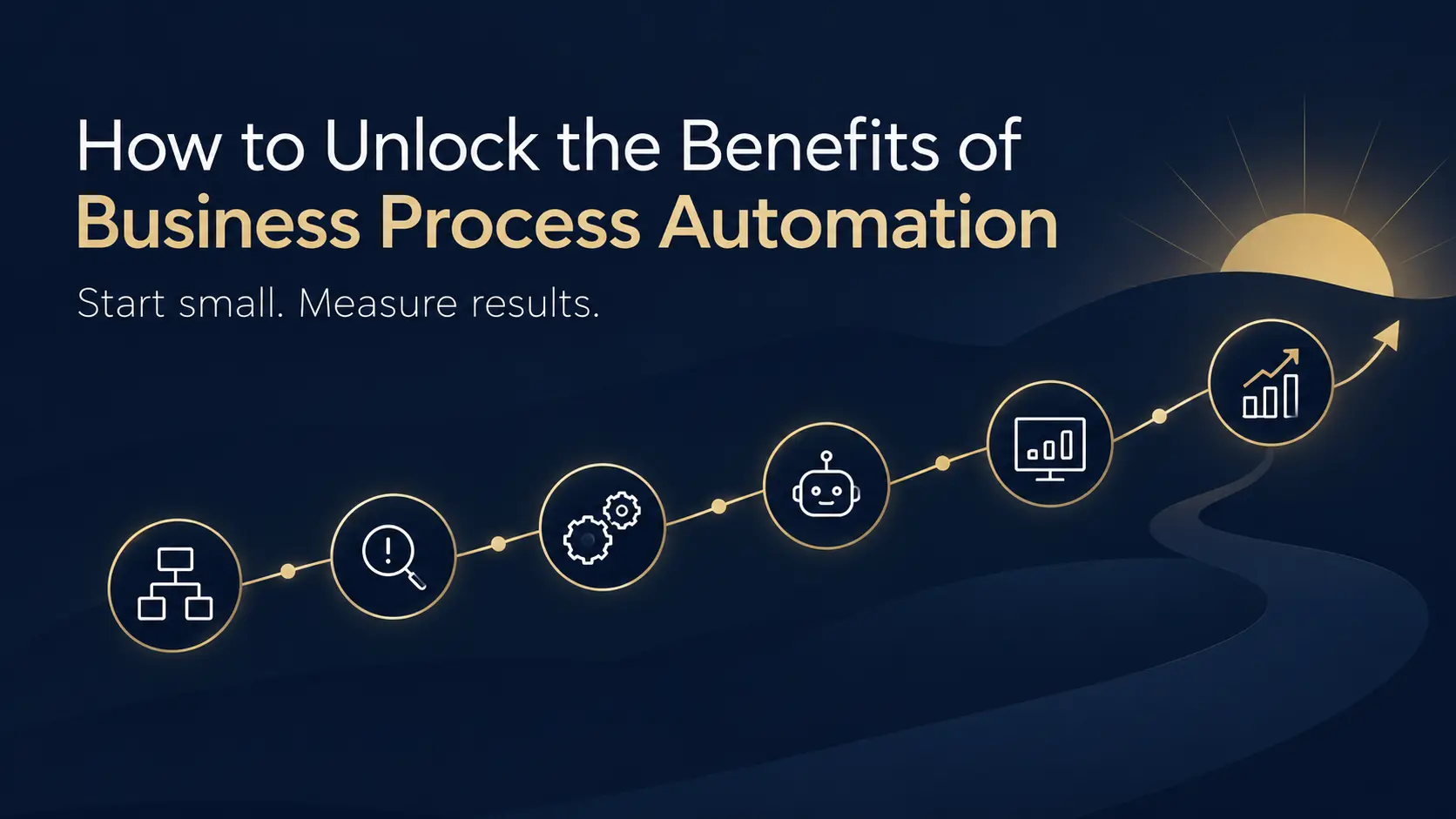
How to Unlock the Benefits of Business Process Automation
Buying an automation platform does not automatically create these benefits.
The results depend on how the process is selected, designed and managed.
The first step should be understanding how the workflow currently operates.
Where does it start? What information moves through it? Which employees are involved? Which systems are used? Where do delays and mistakes happen?
You may discover that some steps should be removed completely rather than automated.
From there, identify a process where improvement can actually be measured.
Instead of saying:
“We want more automation.”
Define a specific objective such as:
“We want every website enquiry entered into the CRM within one minute.”
Or:
“We want to reduce the time spent preparing the weekly sales report.”
That gives you something measurable.
It is also usually better to start with one useful process rather than automate several departments at once.
Build the workflow. Test it. Measure the result. Fix the exceptions.
Then expand.
Integration is another important part of the process. If the website, CRM, accounting software and internal systems do not communicate properly, adding automation on top of them can create more complexity rather than less.
Finally, decide where human involvement still matters.
Automation should handle predictable tasks. People should remain involved where the process requires judgement, negotiation, creativity or empathy.
This approach helps businesses capture the benefits of automation for business growth without creating unnecessarily complicated systems.
How Can Flexi Boost Help Your Business Get the Most From Automation?
The first question we would ask is not:
Which automation platform do you want to use?
It is:
Which process is causing the problem?
A business may think it needs a new automation tool when the real issue is that its website, CRM and internal systems are disconnected.
Another business may already have the right software but still rely on employees to manually move information between each platform.
The solution depends on the workflow.
At Flexi Boost, Business Automation Services can be used to map repetitive processes, connect systems and build workflows around specific operational problems.
For example, a service business receiving enquiries online could create a workflow where a new lead is captured, checked, added to the CRM, assigned to the correct team member and followed up automatically.
A different company might benefit more from automating reports, finance approvals, onboarding or internal administration.
There is no reason to automate everything.
The aim is to identify the processes where automation can save meaningful time, reduce unnecessary errors or make the business easier to scale.
Conclusion
Business Process Automation works best when it solves a specific problem.
The biggest benefits come from reducing repetitive work, creating more reliable workflows and giving employees more time to focus on customers, decisions and growth.
Start with one process, measure the result and expand only when the automation is genuinely creating value.