




Every business makes mistakes. A customer detail gets copied incorrectly, someone forgets a follow-up, a spreadsheet contains an outdated figure, or an approval sits in an inbox longer than it should.
Individually, these errors may seem small. But when the same manual process happens dozens or hundreds of times, small mistakes can quickly become operational problems.
This is where automation becomes useful. Not because it removes people from the business, but because it removes unnecessary manual steps where people should not need to spend their time in the first place.
Understanding Business Process Automation
Business process automation means using technology to handle repetitive steps within an existing business process.
The important word here is process.
Automation should not begin with choosing a tool. It should begin with understanding what currently happens from the moment a task starts until it is completed.
Take a website enquiry as a simple example.
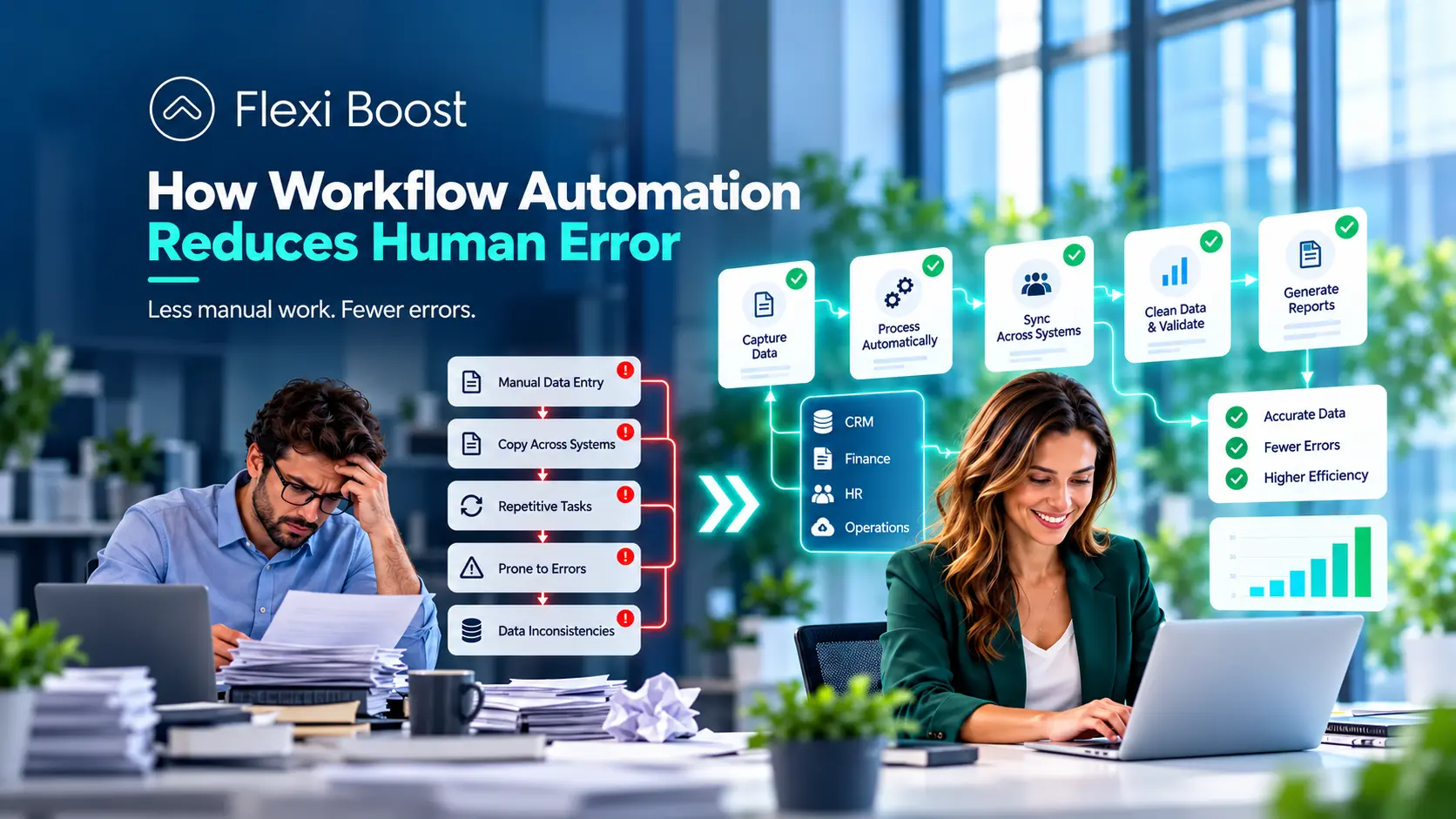
A potential customer submits a form. Someone then checks the inbox, copies the details into the CRM, sends an acknowledgement, tells the sales team and creates a reminder to follow up.
None of those actions is particularly difficult. The problem is that every manual handoff creates another opportunity for something to go wrong.
With automation, the same enquiry can move directly from the website into the CRM, trigger a confirmation email, notify the right employee and create the next task automatically.
The employee still handles the conversation and makes the decisions that matter. Automation simply takes care of the predictable administration around them.
This becomes even more important when several platforms are involved. If employees regularly move information between a website, CRM, accounting platform and internal tools, properly planned business system integrations can remove a large amount of unnecessary copying and re-entry.
If you want to understand the mechanics behind this, our guide to workflow and workflow automation explains how triggers, actions and connected systems work together.

The Impact of Human Error on Business Operations
Human error does not normally happen because employees are careless.
It often happens because the process itself depends too heavily on memory, repetitive data entry and manual communication.
Imagine an employee copying customer details from a website form into three different systems. They may complete the task correctly 99 times. On the 100th occasion, one digit in a phone number is entered incorrectly.
Now imagine the same situation happening across sales, finance, customer service and operations every day.
That is where the real cost begins.
Incorrect data can affect reports. Missed follow-ups can affect sales opportunities. Duplicate customer records can confuse teams. Delayed approvals can slow projects down. An outdated spreadsheet can cause someone to make a decision using the wrong information.
In many cases, the original mistake takes seconds to make but much longer to find and correct.
There is also a customer experience problem.
A customer does not know that an employee forgot to update the CRM. They only know nobody contacted them.
They do not know an invoice was copied incorrectly between two systems. They only know they received the wrong information.
Reducing these mistakes therefore is not just an internal efficiency exercise. It can affect how reliable the business feels to the customer.

How Workflow Automation Reduces Human Error
The main advantage of workflow automation is consistency.
A properly configured workflow does not need to remember what happens next. The next action is already built into the process.
Consider lead management.
When a new enquiry arrives, automation can capture the information exactly as it was submitted, create the record, assign it to the appropriate person and schedule the next action.
This immediately removes several manual steps.
The same principle applies to data entry. If one system can send information directly to another, there is less reason for an employee to retype the same data. That can significantly reduce transcription mistakes and inconsistencies between platforms.
Automation can also introduce validation before information moves further through the business.
For example, a workflow might check whether required information is missing before creating a record. It may detect a duplicate customer, reject an incorrectly formatted field or stop an invoice from progressing until the necessary approval is complete.
This is one of the biggest differences between simply making a process faster and making it more reliable.
Automation can also reduce errors caused by forgotten tasks.
A salesperson does not need to remember that a lead has been inactive for three days if the system automatically creates a reminder. A manager does not need to search through emails for an approval request if the workflow sends it to the correct person and records the decision.
The result is not a business without mistakes. That is unrealistic.
The result is a business where predictable tasks rely less on individual memory and repetitive manual work.
And that distinction matters.
There are also situations where automation itself can introduce errors. A badly configured workflow can send incorrect information faster than a person could. Poor data can flow through multiple connected systems. An integration can fail without anyone noticing.
That is why businesses should never assume automation equals accuracy automatically.
Good automation needs monitoring, exception handling and clear ownership.
We covered this financial side in more detail in our guide to how Automation Services can affect business ROI, because reducing mistakes only creates value when the overall automation still makes commercial sense.
What to Focus on When You Want to Automate Your Business
The best automation projects normally start with a specific operational problem rather than a broad goal such as “we want to automate the company.”
Before building anything, look at where employees repeatedly spend time and where errors actually happen.
A useful starting point is to ask:
Which tasks are repeated every day or week?
Where is the same information entered more than once?
Which steps regularly cause delays or mistakes?
Which tasks follow clear rules?
Where does human judgement still add value?
What happens when the normal process fails?
These questions help separate a genuine automation opportunity from a process that simply needs to be redesigned.
For example, if a business keeps finding mismatched customer information between its CRM and accounting software, the problem may not require a large automation project. Connecting those two systems properly may solve most of the issue.
Likewise, if leads are regularly forgotten after they enter the CRM, the solution might simply be an automatic task and reminder sequence.
Start with the friction.
Then choose the technology.
You also need a baseline before implementation. If the aim is to reduce human error, record how often those errors currently happen.
That could include incorrect records, duplicated entries, missed follow-ups, delayed approvals or the number of hours employees spend correcting mistakes.
Without that baseline, it becomes difficult to prove whether automation actually improved anything.
This is also why automation should usually be introduced gradually. One clearly defined workflow is easier to test, measure and improve than an attempt to automate several departments at once.
Our guide to how business process automation services improve efficiency looks at this from a wider operational perspective.
Boosting Productivity With Flexi Boost Workflow Automation
The most useful automation is often the automation employees barely notice.
It runs in the background, moves information where it needs to go and removes repetitive steps without making the wider process more complicated.
At Flexi Boost, that means looking at the workflow before looking at the tool.
A business might come to us because staff spend too much time handling website enquiries manually. But once the process is mapped, the real issue may be that the website, CRM and internal communication tools are disconnected.
In that situation, the solution might connect the systems so a new enquiry automatically creates a CRM record, assigns the appropriate team member, sends the customer an acknowledgement and schedules the next task.
The salesperson still speaks to the customer.
Automation simply makes sure the admin surrounding that conversation happens consistently.
The same approach can be applied to onboarding, reporting, approvals, finance workflows, internal notifications and other repetitive operations.
The objective is not to automate every task.
It is to identify where manual work is creating unnecessary risk and then build a workflow that removes that friction without removing the human input that still matters.
If you are reviewing processes inside your business, you can explore our Business Automation Services or contact Flexi Boost to discuss which workflows are worth automating.
Conclusion
Businesses will never eliminate every human mistake, and automation should not be treated as a replacement for good people or good processes.
What it can do is reduce the number of opportunities for predictable errors to happen.
Start with repetitive work, identify where mistakes occur and automate the parts of the process where consistency matters most.