




Most business automation still depends on one person who understands how the tools work.
They build the workflow, connect the systems and fix it when something changes. Everyone else waits.
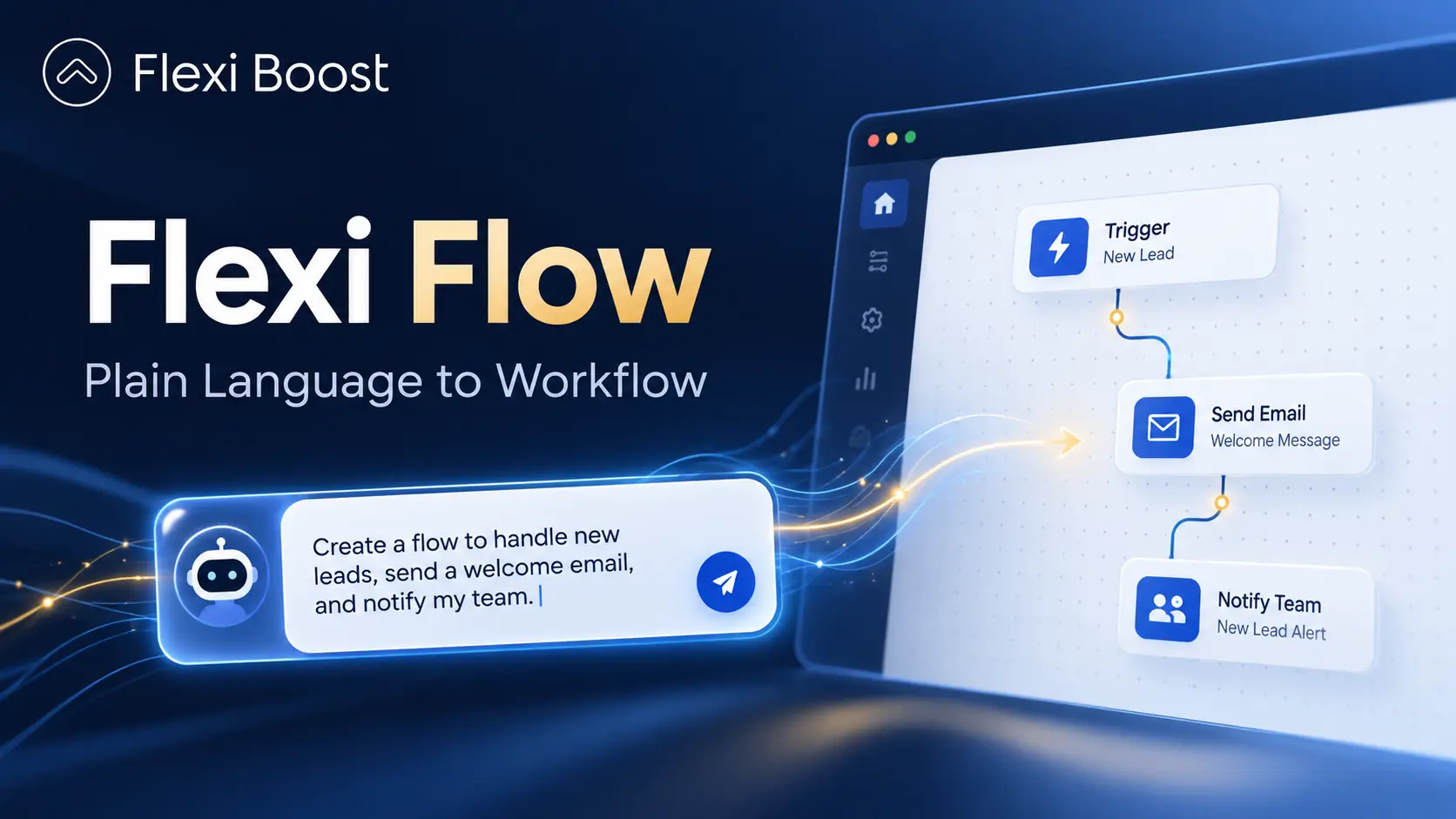
Flexi Flow takes a different approach. Instead of expecting teams to understand every trigger, API or workflow step, users can describe what they want in plain language and let an AI agent build or change the workflow in front of them.
And when the work requires judgement rather than fixed rules, Flexi Flow can connect the process to specialist AI agents designed for that task.
What Is Flexi Flow?
Flexi Flow is an AI workflow automation platform designed to make building and managing automations easier for people who understand the business process but may not know how to build the technical workflow themselves.
The idea is simple.
You describe what should happen.
For example:
When a website form is submitted, save the contact and notify the sales team.
The AI agent interprets the request, creates the workflow and connects the necessary steps.
Instead of starting with a blank automation canvas and deciding which nodes or actions to use, the user starts with the outcome.
Flexi Flow currently runs at flexiboost.org.
Start With the Workflow
Every automation begins with a workflow.
A workflow is simply a map showing how information and actions move through a process.
A trigger starts the process. Each following step performs one job.
A simple lead workflow might look like this:
Form submitted → Contact saved → Sales team notified → Follow-up created
The workflow appears visually on one canvas, allowing the team to see where information starts, where it moves and what happens next.
This matters because automation should not become a black box.
Employees should still be able to understand what the system is doing.
Workflows can also connect to the software a business already uses. Depending on the process, a workflow might start from a form, webhook, schedule or another system event.
For businesses using several disconnected platforms, combining workflow automation with business system integrations can reduce the amount of information employees need to move manually between applications.
If you are new to the concept, our guide to workflow and workflow automation explains how these processes work in more detail.
Build a Workflow by Describing What You Need
Visual workflow builders make automation easier, but they still usually expect the person building the workflow to understand the platform.
You need to know which steps to add.
You need to know how accounts should connect.
You need to understand how data moves from one action to another.
Flexi Flow moves part of that technical work to the AI agent.
A user can describe the process in everyday language:
When a form is submitted, save the contact to a data table and email the sales lead.
The agent then plans the workflow, adds the necessary steps and connects them.
If it needs information it cannot determine itself, it asks.
For example, it may ask which email account should send the message or which data table should store the contact.
This means the user still controls the important business decisions without needing to manually build every technical step.
Change a Live Workflow by Asking
Building the first version of an automation is only part of the job.
Business processes change constantly.
A team may want to change a rule, add another condition or send information somewhere new.
Traditionally, that means opening the automation and manually rebuilding part of it.
With Flexi Flow, the user can ask for the change directly.
Imagine a lead workflow already exists.
You could ask:
Only notify the sales team when the company has more than 50 employees.
The AI agent edits the workflow currently open on the canvas.
You can then review the result and choose whether to keep or undo the change.
Before the agent makes an edit, the existing version is saved.
AI-generated changes are also marked in the workflow history, making it easier to understand when changes happened and return to an earlier version if necessary.
That version history is particularly useful when automations are supporting important business processes.
Use AI to Troubleshoot Failed Automations
Automation does not mean workflows never fail.
An API can change.
A connection can expire.
A required value may be missing.
An external platform may temporarily stop responding.
The important question is how quickly the problem can be understood and resolved.
Flexi Flow allows the user to ask the agent why a workflow failed.
The agent can inspect the execution, identify the step that caused the problem and suggest a potential fix.
This can reduce the time teams spend manually checking every step of an automation.
The system can also help create data tables used by workflows and assist with connection setup.
With the browser extension, the agent can help users navigate a service's console when an API key or similar connection detail needs to be created.
The user remains involved in the process rather than giving the agent unrestricted control.
When a Workflow Is Not Enough
Some business processes cannot be reduced to a sequence of fixed rules.
A standard workflow is good at tasks such as:
Moving information between systems
Sending notifications
Updating records
Creating tasks
Running scheduled processes
But other work requires interpretation.
A person may need to read a document, understand a drawing, compare evidence or decide what information is missing.
That is where specialist AI agents become useful.
Flexi Boost runs a platform alongside Flexi Flow for creating custom agents using OpenCode, an open-source AI agent.
Instead of defining a fixed workflow, the team defines the environment the agent must work within.
That can include the sources it must use, tools it is allowed to access, rules it must follow and the format of the final output.
The user can then observe the agent's work, answer questions and stop or continue the process when necessary.
This creates a different kind of automation.
The workflow handles predictable work.
The AI agent handles tasks where some level of reasoning or judgement is required.
A Practical Example: Fire Safety Compliance
One of the first specialist agents built around this approach was designed to support fire safety compliance reviews.
The agent reviews building drawings using Part B of the Irish Building Regulations and Technical Guidance Document B.
An engineer can provide drawings and relevant site photographs.
The agent reviews the information, identifies what is available and asks questions when something important is missing.
It then prepares a plan before beginning the detailed review.
The user approves that plan before the agent continues.
During the review, the agent can support tasks such as assessing travel distances, occupant capacity, exit widths, fire doors and other relevant requirements.
The important part is how uncertainty is handled.
If the drawing does not show something clearly, the agent should not invent an answer.
It asks.
Anything that remains unresolved is reported as outstanding so a professional can review it.
The final output can then include marked-up drawings and a corresponding compliance report for professional review.
This is a useful example of the difference between ordinary workflow automation and agent-based automation.
Sending an email follows a rule.
Interpreting a technical drawing requires context.
Workflow Automation and AI Agents Work Better Together
The future of business automation is unlikely to be one large AI system doing everything.
Different types of work need different approaches.
Repeatable processes are usually best handled by structured workflows.
Tasks that involve interpretation may be better suited to specialist agents.
And some processes will combine both.
For example, a workflow might receive a document, store it and send it to a specialist agent for analysis. Once the agent completes its work, the workflow can distribute the result, update another system and notify the relevant employee.
This creates a useful division of responsibility:
Workflows manage predictable processes.
AI helps build and change those workflows.
Specialist agents handle work that requires judgement.
The team remains responsible for defining the outcome and reviewing important decisions.
Why This Approach Matters for Growing Businesses
The technical difficulty of automation is often one of the reasons companies delay it.
The employee who understands the process may not know how to build the automation.
The person who knows the automation platform may not understand the business process as well.
That creates a bottleneck.
AI workflow automation can reduce that gap.
Someone who understands the outcome can describe it more naturally, while the system handles more of the technical implementation.
That does not remove the need for good automation design.
Processes still need to be mapped correctly.
Systems still need secure connections.
Exceptions still need to be considered.
And important workflows still need monitoring.
But lowering the technical barrier can make automation more accessible to the people who understand the work best.
For businesses looking at the wider operational opportunities, our Business Automation Services focus on identifying repetitive processes, connecting systems and building automation around real business requirements.
One Platform Across the Automation Journey
Flexi Flow is designed around three layers.
The first is the visual workflow itself, which manages repeatable business processes.
The second is the AI agent that helps users create, change and troubleshoot those workflows using plain language.
The third is specialist agents for tasks where fixed rules are not enough.
Together, those layers allow teams to move from simple workflow automation towards more advanced AI-assisted processes without treating every task as the same type of problem.
The objective is not to automate everything.
It is to choose the right type of automation for the work.
Conclusion
Automation becomes more useful when teams can describe the outcome they need without first becoming experts in the automation platform.
Flexi Flow brings plain-language workflow building, live AI-assisted editing and specialist agents into one approach.
For teams with repetitive processes, the best starting point is usually simple: identify one process that takes too much time and see what can be automated.
You can explore Flexi Flow at flexiboost.org, or contact Flexi Boost to discuss a process your team wants to automate.