



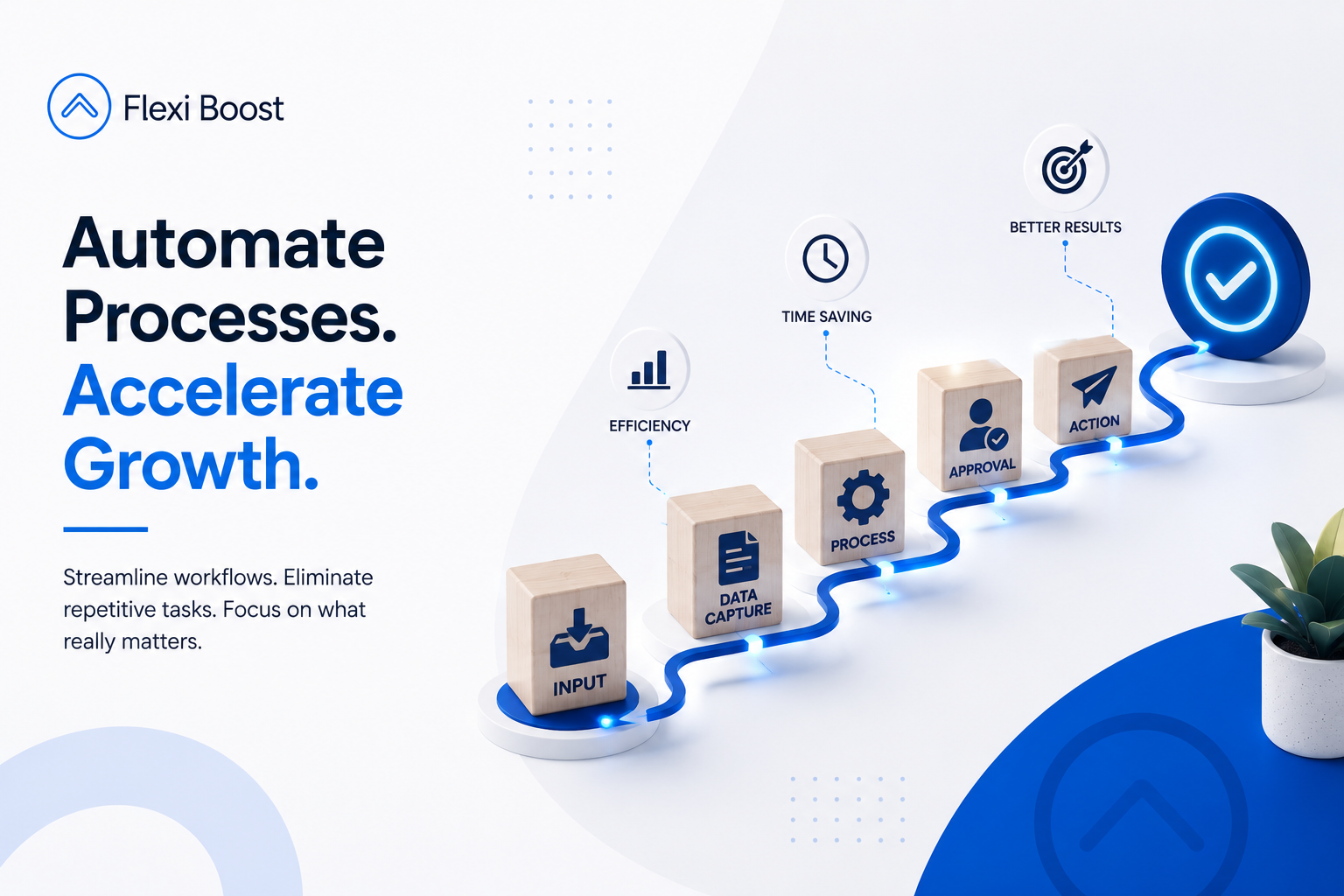

Business process automation uses technology to automate repeatable workflows, allowing tasks to move between people, systems, and applications with less manual intervention. The goal is not simply to automate everything, but to identify processes where automation can make the business faster, more consistent, and easier to manage.
For businesses looking to improve their operations, the right automation strategy can reduce repetitive work while giving teams more time to focus on activities that require human judgement and expertise.
What Are Business Process Automation Services?
Business process automation services involve analysing business workflows and using technology to automate repetitive or rule based processes.
Instead of employees manually completing every step, an automated workflow can trigger actions based on predefined conditions.
For example:
New customer enquiry → CRM entry → Team notification → Follow-up email → Sales task
Once the workflow is configured, these steps can happen automatically whenever a new enquiry meets the required conditions.
Business process automation can be used across many areas of an organisation, including:
Customer onboarding
Lead management
Data entry
Internal approvals
Reporting
Notifications
Document processing
Task assignment
Customer follow-ups
Data transfer between systems
The important point is that automation should be built around an actual business process. The objective isn't to introduce technology for its own sake, but to remove unnecessary manual steps and improve the way work moves through the organisation.
Why Are Businesses Investing in Process Automation?
As businesses grow, their processes usually become more complicated.
A company might start with a small team where information can easily be shared through emails and spreadsheets. As the number of customers, employees, transactions, and systems increases, those same processes can become difficult to manage manually.
This can lead to:
Repetitive administrative work
Delays between departments
Duplicate data entry
Human errors
Missed follow-ups
Poor visibility
Disconnected software systems
Increasing operational costs
Business process automation can address these issues by creating more consistent workflows and reducing unnecessary manual intervention.
The result is not simply "doing things automatically." It is creating a more structured way for information and tasks to move through the business.
What Business Processes Can Be Automated?
Not every business process should be automated.
The best candidates are usually processes that are repetitive, predictable, and follow clearly defined steps.
Lead Management
Lead management is a common example.
When a potential customer submits an enquiry, an automated process could:
Capture the enquiry
Add the lead to the CRM
Assign it to the appropriate team member
Send an initial response
Create a follow-up task
Notify the sales team
Instead of relying on someone to remember every step, the workflow handles the repetitive parts automatically.
Customer Onboarding
Customer onboarding often involves multiple departments and systems.
An automated workflow could create a customer record, notify the relevant team, send onboarding information, create internal tasks, and update the customer's status.
This helps create a more consistent onboarding experience while reducing the administrative workload.
Data Transfer Between Systems
Businesses often use different platforms for different functions.
For example, customer information might be stored in a CRM while invoices are managed through an accounting system and tasks are managed through a project management platform.
Without integration, employees may have to copy information manually between these systems.
Automation can connect these processes so that information moves between systems when a specific event occurs.
Reporting and Data Collection
Reports can also involve a significant amount of repetitive work.
Instead of manually collecting information from several sources, an automated workflow can gather the required data and prepare it according to predefined rules.
This can make reporting more consistent and reduce the amount of time employees spend preparing recurring reports.
Internal Notifications and Approvals
Automation can also help manage internal workflows.
For example, when an employee submits a request, the system could automatically send it to the appropriate manager, notify the relevant person, record the decision, and move the request to the next stage.
This creates a clearer process and reduces the need to chase updates manually.
How Business Process Automation Supports Smarter Business Operations
This is where automation becomes more than just a collection of automated tasks.
A well designed automation strategy can help businesses create smarter business operations by connecting individual processes into a more efficient workflow.
For example, imagine a business receiving a new customer enquiry.
Without automation, the process might look like this:
Enquiry → Employee checks email → Copies details → Updates CRM → Notifies sales → Creates follow-up → Sends response
With automation, it could become:
Enquiry → Automated workflow → CRM updated → Sales notified → Follow-up created → Response triggered
The difference isn't simply fewer clicks.
The second process creates a more consistent operational system where each step happens according to predefined rules.
This is closely related to the idea behind custom automation, where workflows are designed around the specific processes and systems of a business rather than forcing the business to adapt to a generic workflow. Flexi Boost's related guide explores this approach in more detail.
Key Benefits of Business Process Automation
1. Save Valuable Time
One of the clearest benefits is reducing the time employees spend on repetitive work.
Tasks such as copying data, sending routine notifications, updating records, and creating recurring tasks can often be handled automatically.
This gives employees more time to focus on customer relationships, decision making, strategy, and other higher value activities.
2. Reduce Human Error
Manual data entry and repetitive processes create opportunities for mistakes.
An automated workflow follows predefined rules consistently, which can reduce errors in processes such as data transfer, notifications, task assignment, and record updates.
Automation doesn't eliminate the need for human oversight, but it can reduce the number of repetitive steps where mistakes are likely to happen.
3. Improve Operational Efficiency
Automation can remove unnecessary steps and reduce bottlenecks.
Instead of waiting for an employee to complete one task before another can begin, certain actions can happen automatically when the required condition is met.
This can help processes move faster and more consistently.
4. Connect Disconnected Systems
One of the biggest opportunities for automation comes from connecting the tools a business already uses.
Rather than replacing every existing platform, automation can allow different systems to communicate and exchange information.
This is particularly valuable when a business relies on multiple applications for sales, customer management, finance, operations, or reporting.
5. Make Growth Easier
Manual processes often become harder to manage as a company grows.
More customers mean more enquiries. More employees mean more internal requests. More transactions mean more data.
Automation can help businesses handle increasing workloads without increasing repetitive manual work at the same rate. This makes automation an important part of building scalable operations.
When Should Your Business Consider Automation?
Automation isn't automatically the right answer for every process.
A business should first understand how the process currently works and where the biggest inefficiencies exist.
You may have a strong case for automation if:
Your team repeatedly performs the same tasks
Employees manually move data between platforms
Leads require manual follow-up
Important tasks are frequently delayed
Employees spend too much time preparing recurring reports
Multiple systems need to share information
Manual processes are causing avoidable errors
Your current workflow is becoming difficult to manage as the business grows
A good starting point is to identify tasks that happen repeatedly every day or every week.
If the process follows predictable steps, it may be a strong candidate for automation.
Standard Automation vs Custom Business Process Automation
There are many automation platforms available, and standard automation can be perfectly suitable for simple workflows.
For example, a business may only need to connect two applications or trigger a basic notification.
However, more complex businesses may have workflows that don't fit neatly into predefined templates.
This is where custom automation becomes valuable.
Standard Automation | Custom Business Process Automation |
|---|---|
Uses predefined workflows | Designed around specific business processes |
Best for simple tasks | Suitable for complex workflows |
Limited flexibility | Greater flexibility |
Faster to implement | Requires more planning and development |
Works within platform limitations | Can connect multiple systems and custom requirements |
The right approach depends on the complexity of the business process.
The goal should always be to choose the simplest solution that effectively solves the problem rather than making automation unnecessarily complicated.
How to Implement Business Process Automation Successfully
Successful automation starts with the process, not the technology.
Step 1: Identify the Problem
Start by asking:
Which process is taking too much time or creating unnecessary friction?
Don't start with a tool. Start with the business problem.
Step 2: Map the Current Workflow
Document every step involved in the process.
Identify:
What triggers the workflow?
Who is responsible for each step?
Which systems are involved?
Where are delays happening?
Where is information entered manually?
This makes it easier to identify what should actually be automated.
Step 3: Decide What Should Remain Human
Not every step should be automated.
Tasks involving complex judgement, sensitive decisions, or customer relationships may still require human involvement.
The best workflows often combine automation and human decision making rather than attempting to remove people from the process entirely.
Step 4: Connect the Required Systems
Once the workflow is defined, the relevant platforms can be connected.
This could involve CRMs, databases, communication platforms, accounting systems, project management tools, or other business applications.
Step 5: Test and Monitor
Automation should be tested before being fully deployed.
Different scenarios should be considered to ensure the workflow behaves correctly when information is missing, conditions change, or an unexpected event occurs.
After launch, performance should continue to be monitored and improved as the business evolves.
How Flexi Boost Approaches Business Process Automation
For Flexi Boost, business process automation is about solving operational problems rather than simply adding another automation tool to a business.
The starting point is understanding how the business currently works, where repetitive work exists, and which systems need to communicate.
From there, an automation workflow can be designed around the company's specific requirements.
This approach is particularly useful when a business has multiple systems or processes that don't work together efficiently.
Flexi Boost can support businesses with areas such as:
Custom business workflows
System integrations
Automated lead management
Customer onboarding workflows
Data transfer between platforms
Automated notifications
Reporting workflows
Repetitive administrative processes
The focus is on creating practical workflows that make operations more efficient without introducing unnecessary complexity.
Business Process Automation Is About Better Workflows
The biggest mistake businesses can make is thinking that automation is simply about replacing manual tasks.
The real opportunity is to rethink how work moves through the organisation.
A well designed automation process can help businesses:
Reduce repetitive work → Connect systems → Improve consistency → Increase efficiency → Scale operations
The best automation solution isn't necessarily the one with the most features. It is the one that solves a genuine operational problem and fits naturally into the way the business works.
If your team is spending too much time moving data, managing repetitive tasks, chasing updates, or repeating the same administrative processes, business process automation services could provide a more efficient way forward.
And when standard tools aren't enough, a custom approach can help create workflows specifically around your business processes, systems, and long term operational goals.