



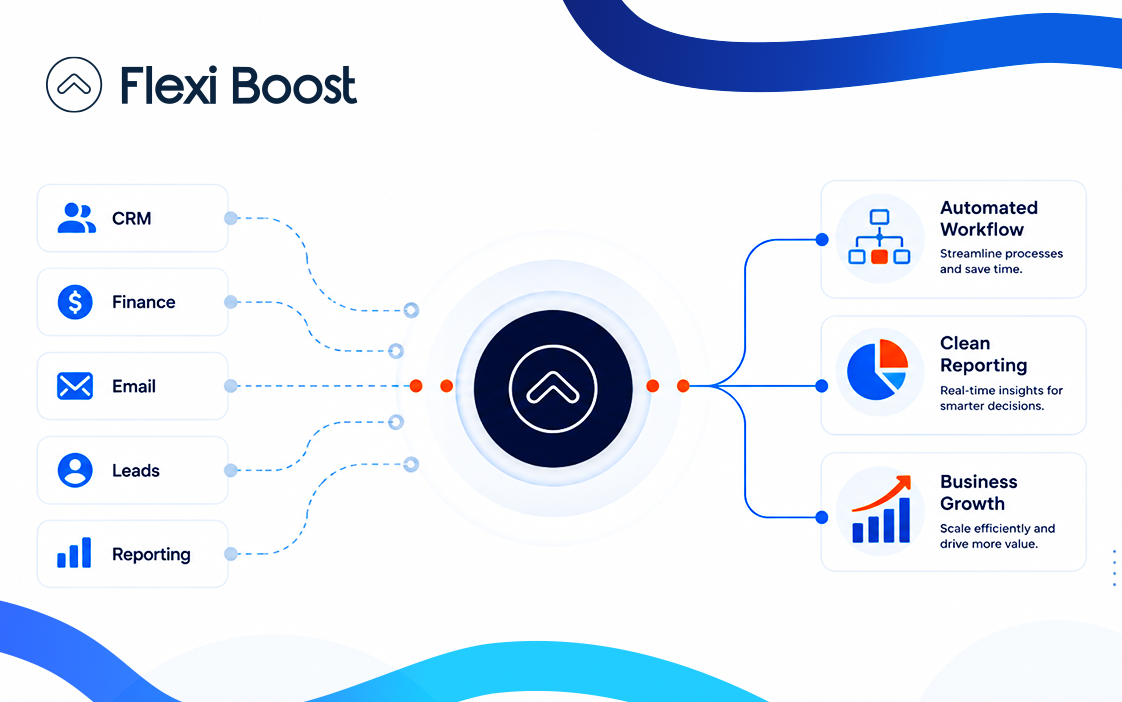
Running a business often means dealing with repetitive tasks, disconnected systems, and workflows that take more time than they should. As a business grows, these challenges can become even more difficult to manage.
This is where custom automation can make a real difference.
Unlike generic automation tools that offer the same workflows to every business, custom automation is designed around the specific processes, systems, and requirements of your company. It allows businesses to automate repetitive work while keeping their existing workflows and business goals in mind.
In this guide, we’ll explain what custom automation is, how it works, its main benefits, and how businesses can use it to improve efficiency and productivity.
What Is Custom Automation?
Custom automation is the process of creating automated workflows specifically for the needs of a business.
Instead of adapting your business processes to a ready-made automation tool, a custom solution is built around the way your business already operates.
For example, a company may need to:
Automatically transfer customer information between different systems
Send notifications when a specific action occurs
Generate reports from multiple data sources
Automatically assign tasks to team members
Connect CRM and accounting systems
Process customer enquiries
Trigger follow-up emails
Manage repetitive administrative tasks
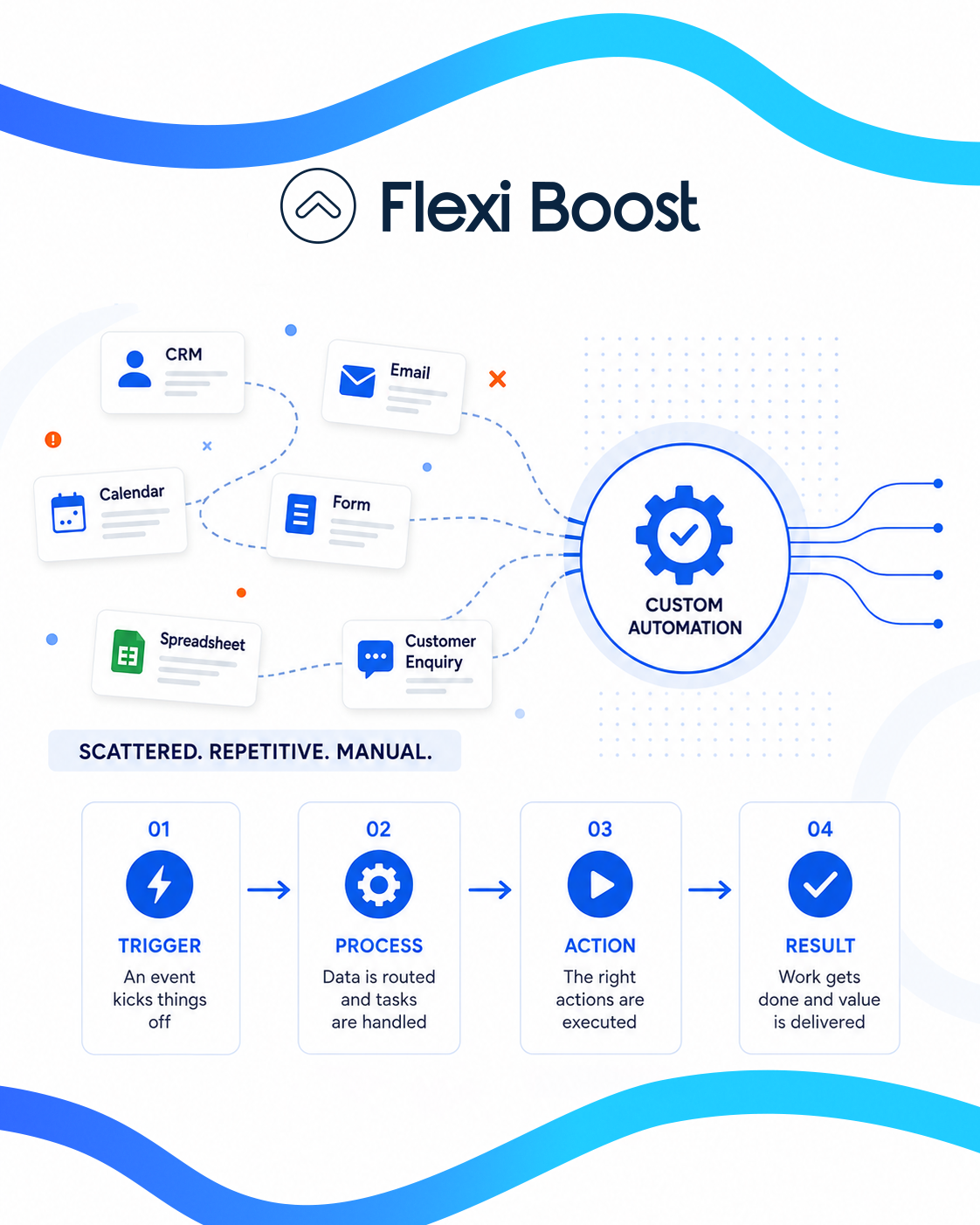
A custom automation solution can connect these processes and allow them to run automatically with minimal manual intervention.
How Does Custom Automation Work?
The first step is understanding how your business currently works.
An automation solution typically starts by identifying repetitive processes, bottlenecks, and tasks that require unnecessary manual work.
The workflow can then be mapped out and connected to the systems your business already uses.
A typical custom automation process may include:
Identify repetitive tasks
Find processes that consume time or require employees to perform the same actions repeatedly.Map the workflow
Understand what triggers the process, what actions need to happen, and what the final outcome should be.Connect business systems
Integrate the relevant platforms, databases, applications, or internal systems.Build the automation
Develop the workflow according to the company's specific requirements.Test and optimise
Test different scenarios and make adjustments to ensure the automation works reliably.Monitor performance
Track the workflow and improve it as the business evolves.
This approach makes automation more flexible because the solution is designed around the business rather than the other way around.
Custom Automation vs. Standard Automation
One of the biggest differences between custom and standard automation is flexibility.
Standard automation platforms usually provide pre-built workflows. These can be useful for common business processes, but they may not cover more complex requirements.
Custom automation, on the other hand, can be designed specifically for a company's workflow.
Standard Automation | Custom Automation |
|---|---|
Uses predefined workflows | Designed around your business |
Limited customisation | Highly flexible |
Suitable for common tasks | Suitable for complex workflows |
Works within platform limitations | Can integrate multiple systems |
Faster to deploy | Designed for long-term requirements |
This doesn't mean that standard automation is always the wrong choice. For simple tasks, an existing automation tool may be enough.
However, when a business has unique workflows or needs multiple systems to work together, a custom approach can provide greater flexibility.
Benefits of Custom Automation for Businesses
Implementing the right automation strategy can provide several benefits for businesses of different sizes.
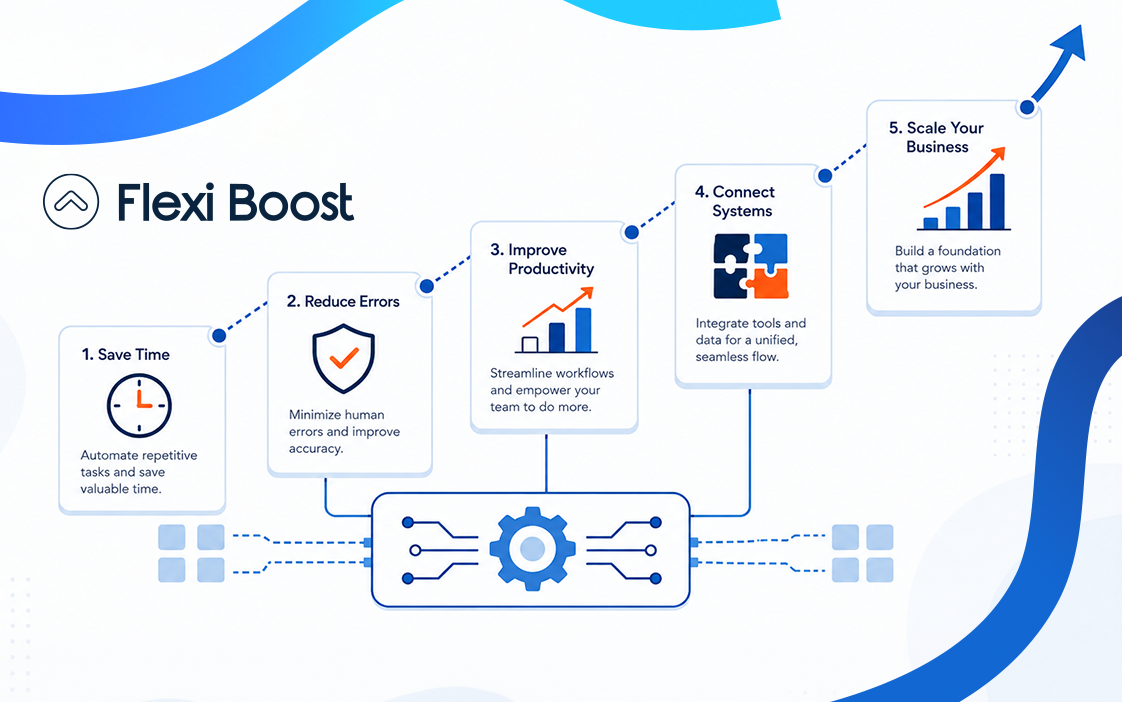
1. Save Time
One of the most obvious benefits of custom automation is reducing the amount of time employees spend on repetitive tasks.
Instead of manually entering data, sending routine notifications, or moving information between platforms, automated workflows can handle these tasks in the background.
This allows employees to focus on activities that require creativity, decision-making, and human interaction.
2. Reduce Human Error
Manual processes can lead to mistakes, especially when employees repeatedly enter or transfer information.
Automating these processes can help reduce errors by ensuring that predefined actions happen consistently.
For example, instead of manually copying customer information from one system to another, an automated workflow can transfer the information whenever a new customer is added.
3. Improve Productivity
Automation doesn't simply reduce workload. It can also help teams work more efficiently.
When employees don't have to spend hours completing repetitive administrative tasks, they can dedicate more time to important business activities.
This can improve overall productivity without necessarily requiring a larger team.
4. Connect Different Systems
Many businesses use multiple software platforms to manage different parts of their operations.
A CRM might manage customer information, while another platform handles accounting, marketing, project management, or communication.
Without proper integration, employees may have to move information manually between these systems.
Custom automation can connect these platforms and allow information to move automatically between them.
5. Scale With Your Business
A workflow that works for a small company may become difficult to manage as the business grows.
More customers usually mean more orders, enquiries, data, and internal processes.
Custom automation can help businesses handle increasing workloads without increasing manual work at the same rate.
Examples of Custom Automation
Custom automation can be applied to almost any repetitive business process.
Here are some common examples.
Customer Onboarding
When a new customer signs up, an automated workflow could:
Create a customer profile
Add the customer to the CRM
Send a welcome email
Notify the relevant team
Create an internal task
Update the customer database
Instead of employees completing each step manually, the workflow can handle the process automatically.
Lead Management
Businesses can also automate lead management.
For example, when a new enquiry is received, automation could automatically record the lead, assign it to a salesperson, send an initial response, and create a follow-up task.
This can help businesses respond to potential customers more quickly.
Reporting and Data Management
Generating reports manually can take considerable time, particularly when information comes from multiple systems.
Custom automation can collect data, organise it, and generate reports based on predefined requirements.
This can make business reporting faster and more consistent.
Internal Notifications
Automation can also be used to keep teams informed.
For example, when a particular action happens in one system, an automated notification can be sent to the appropriate employee or department.
This reduces the need for employees to constantly check different platforms.
When Does Your Business Need Custom Automation?
Not every business needs a fully custom automation system.
If your processes are simple and can be handled effectively with existing tools, standard automation may be the most practical option.
However, custom automation may be worth considering when:
Your team spends significant time on repetitive tasks
Your business uses multiple disconnected systems
Employees frequently transfer data manually
Existing automation tools cannot handle your workflow
Manual processes are causing errors
Your business is growing quickly
Your workflows are unique or complex
You need better integration between business systems
A useful starting point is to look at the tasks your employees perform repeatedly every day or every week.
If a task follows predictable steps and doesn't require constant human decision-making, it may be a good candidate for automation.
How Custom Automation Can Support Business Growth
Growth often creates operational challenges.
As the number of customers and transactions increases, manual processes become harder to maintain. Employees may spend more time managing operations instead of focusing on growth.
Custom automation can help businesses create more efficient workflows before these problems become major bottlenecks.
For example, an automated sales workflow can continue processing new leads even as the number of enquiries increases. Similarly, automated reporting can handle larger amounts of data without requiring employees to manually prepare every report.
This makes automation not just a productivity tool, but also a way to build more scalable business operations.
Why Choose a Custom Automation Solution?
Every business has its own processes, software, customers, and operational requirements.
A solution that works perfectly for one company may not work for another.
That's why a custom approach can be valuable when standard automation doesn't provide enough flexibility.
With custom automation, businesses can focus on the processes that have the biggest impact instead of automating tasks simply because automation is available.
The goal should always be to create workflows that make the business more efficient, easier to manage, and better prepared for growth.
At Flexi Boost, we help businesses identify opportunities for automation and develop technology solutions that fit their workflows and operational needs. From connecting different systems to automating repetitive processes, the right solution can help your team spend less time on manual work and more time growing the business.
Start Building Smarter Workflows
Automation can help businesses reduce repetitive work, connect their systems, improve productivity, and create more scalable processes.
But the most effective automation isn't necessarily the one with the most features. It's the one that solves the right problems.
Custom automation gives businesses the flexibility to build workflows around their specific requirements rather than forcing their processes into a predefined system.
If your team is still spending valuable time on repetitive processes, it may be time to explore how custom automation can improve the way your business works.